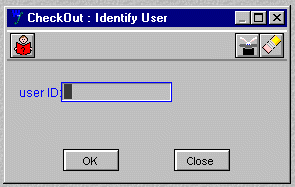
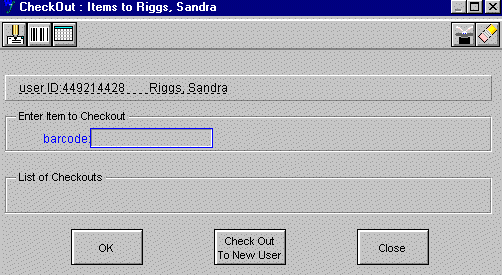
Press the F5 function key
OR
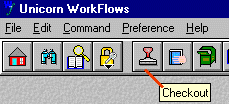
Click on the "Checkout" button in the toolbar
(last content update April 30, 2000)
Related topic: Charging Reserve material
Many types of material circulate, for example:
1ST-FLOOR location - books
2ND-FLOOR location - videos, tapes, bar-coded ATLA fiche, etc.
BOOKSHELF location CDROMS
STEP 1:
Press the F5 function key
OR
Click on the "Checkout" button in the toolbar
STEP 2:
You will see the Checkout wizard appear.
Scan patron's Vanderbilt ID Card
STEP3:
Scan book barcode
STEP4:
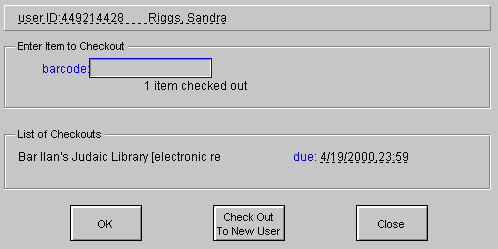
Stamp the book's date due slip with the stamp that matches the screen "date due."
OR Write in the date due if it is a video or other item with a odd due date.
Desensitize the book spine
Tell the patron when the book is due
Click on CLOSE at the bottom of the screen to clear patron's record from the computer screen OR Click on Check Out To New User
Failure to do this final step may result in confusion from multiple windows being open on the desktop. You may charge something to the wrong person.