Screen Messages
8/20/2000
What
are screen messages?
Screen
messages are windows containing information provided by the computer
system. The important thing to remember is that screen messages must be
acknowledged by closing the window, entering or clicking.
Most
common problem associated with screen messages:
Accidentally
acknowledging the message without seeing the message.
For
example, if you are discharging a stack of 5 books, let's say that there is a
screen message on book 3 and that you are not watching the screen. When
you scan the barcode on book 4, the scan will give the same result as if you
had pressed the enter key. You will hear a beep, just as you do for a
scan, but this time the scan will close the window, and the computer will not
read the scan. It does not count book 4 as being discharged. Now
you scan book 5. You hear the beep and look at the screen.
Now you have both missed the screen message and have a list of 4 discharged
items instead of 5.
How
to fix this problem?
If
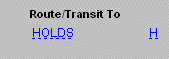
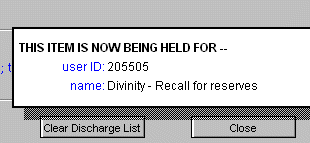
you are discharging, the simplest thing to do is click on the reminder initial
in the routing column. This will repeat the screen message in a smaller
pop-up window. See below:
If
the screen message was unrelated to discharging, it may be very tricky to
determine what it was. You may try checking the item records of the
books that you were working with to see if you notice anything unusual.
Other Examples of Screen Messages
Screen messages may relate to fines, recalls, errors,
searches, etc. A few examples follow:
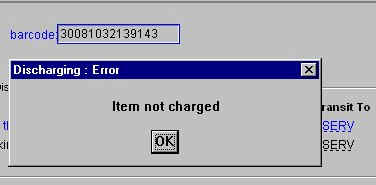
Discharging an item that was not checked out...
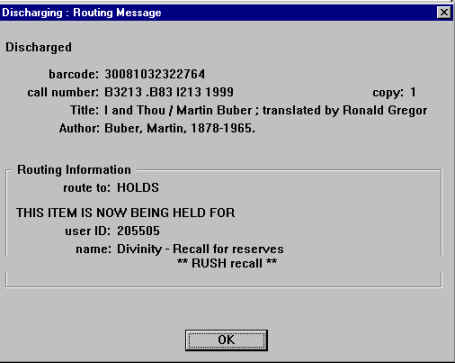
Discharging an item that was recalled for reserves...
Return to Circulation Index