PROCEDURES FOR TRANSFERRING ITEMS TO THE ANNEX
- Pull item from shelf, place on book cart for processing.
- Click the "Home" icon, search "Library Catalog" by
"Title."
- Go to the record for the item.
- Click the icon for "Volume and Call Number Maintenance."
- Click the icon for "Edit Existing Volumes and Call Numbers."
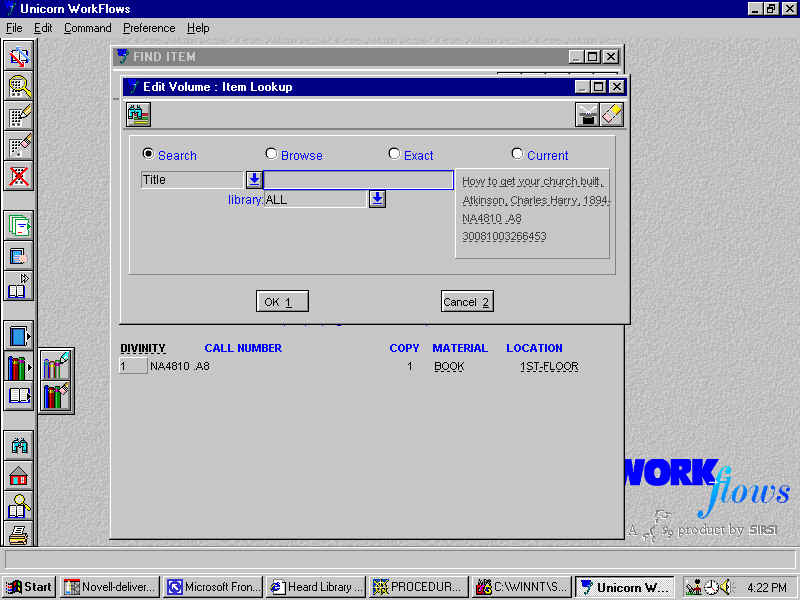
- Click the "Current" radio button, and press O.K. or enter.
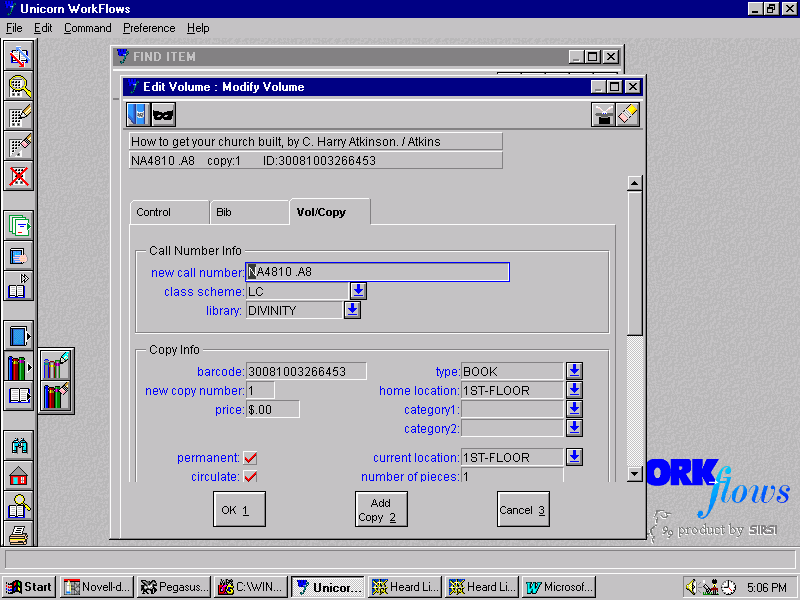
- Click the "Vol/Copy" tab, if that is not where you go.
- Change the "Home Location" to ANNEX, press O.K. or enter.
- Put item in tub or on book cart to give to MAT to send to the Annex.
Return to Technical Services